Homelabbing Part 3: Setting up Tailscale for remote access to my proxmox server
Hi. Today we are going to set up tailscale on a tailnet network to be able to manage my proxmox server from anywhere in the world with an authenticated instence of tailscale unreachable over the internet.
For this we are going to create a LXC container as it’s much resource friendly and we don’t need a dedicated machine for a lightweight service like tailscale.
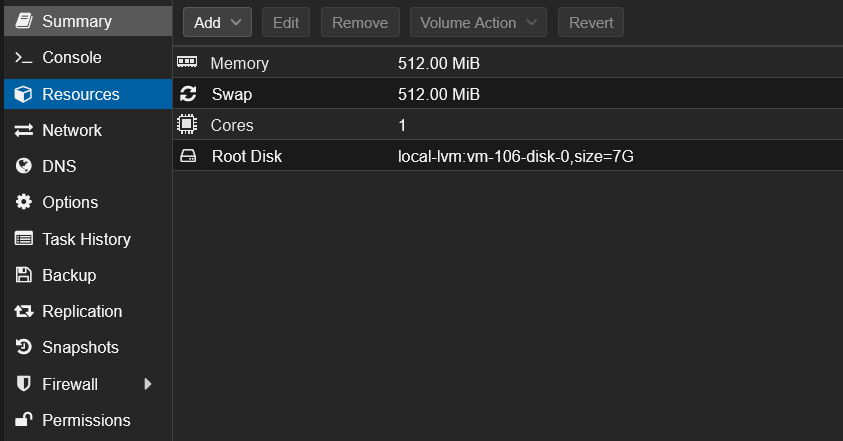
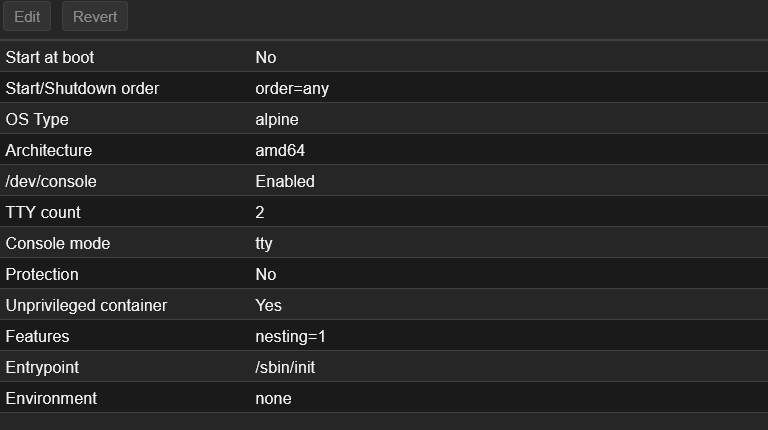
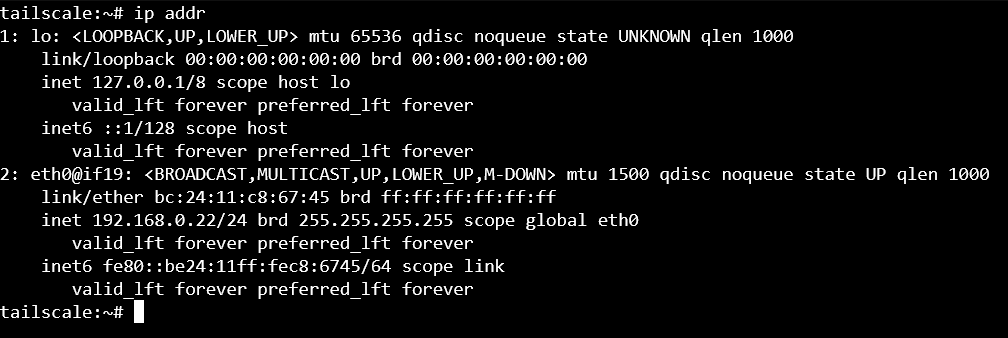
Let’s set set this container to have a static IP for reliability and in case anything goes wrong.
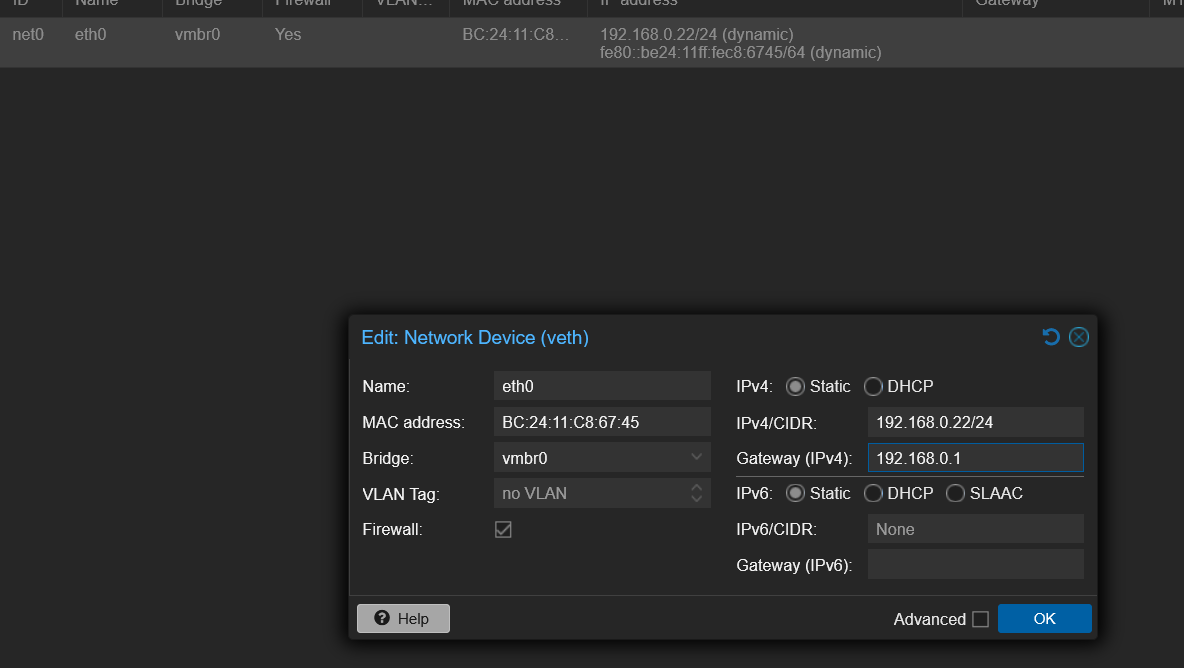
To set up tailscale we are going to run these commands
1
2
apk upgrade --update-cache
apk add tailscale
Enable tailscale to start on boot and start tailscale:
1
2
rc-update add tailscale default
rc-service tailscale start
Something was wrong when running tailscale up. Upon more investigation i came across thi article: Setting up taiscale in XLC containers.
So I set up device passthrough and rebooted the system. Upon boot I ran these commands to get tailscale up and running:
1
2
3
rc-service tailscale start
rc-service tailscale status
tailscale up
After that I enabled IPv4 forwarding on my lxc:
1
sysctl -w net.ipv4.ip_forward=1
then advertised my LAN:
1
tailscale set --advertise-routes=192.168.0.0/24
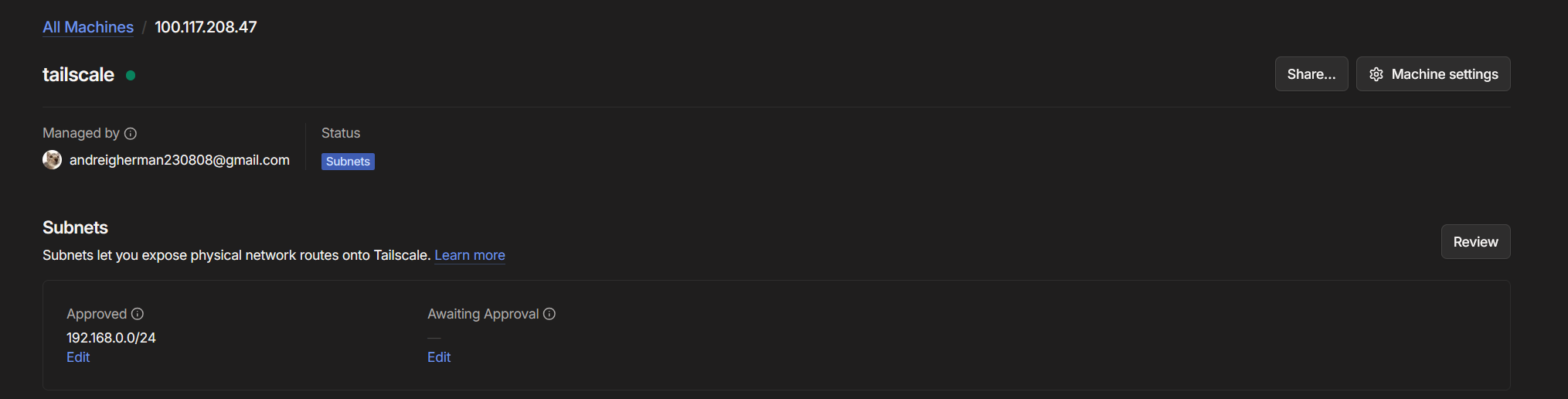
Go to your tailscale admin console and on Subnets move the awaiting approval to aprroved: